Clients book themselves
Your link works around the clock: the client picks a service, a specialist and a free slot. You see the booking in your schedule in a second.
Card needed — €0 today, first charge on day 15. Cancel any time before and you pay nothing.
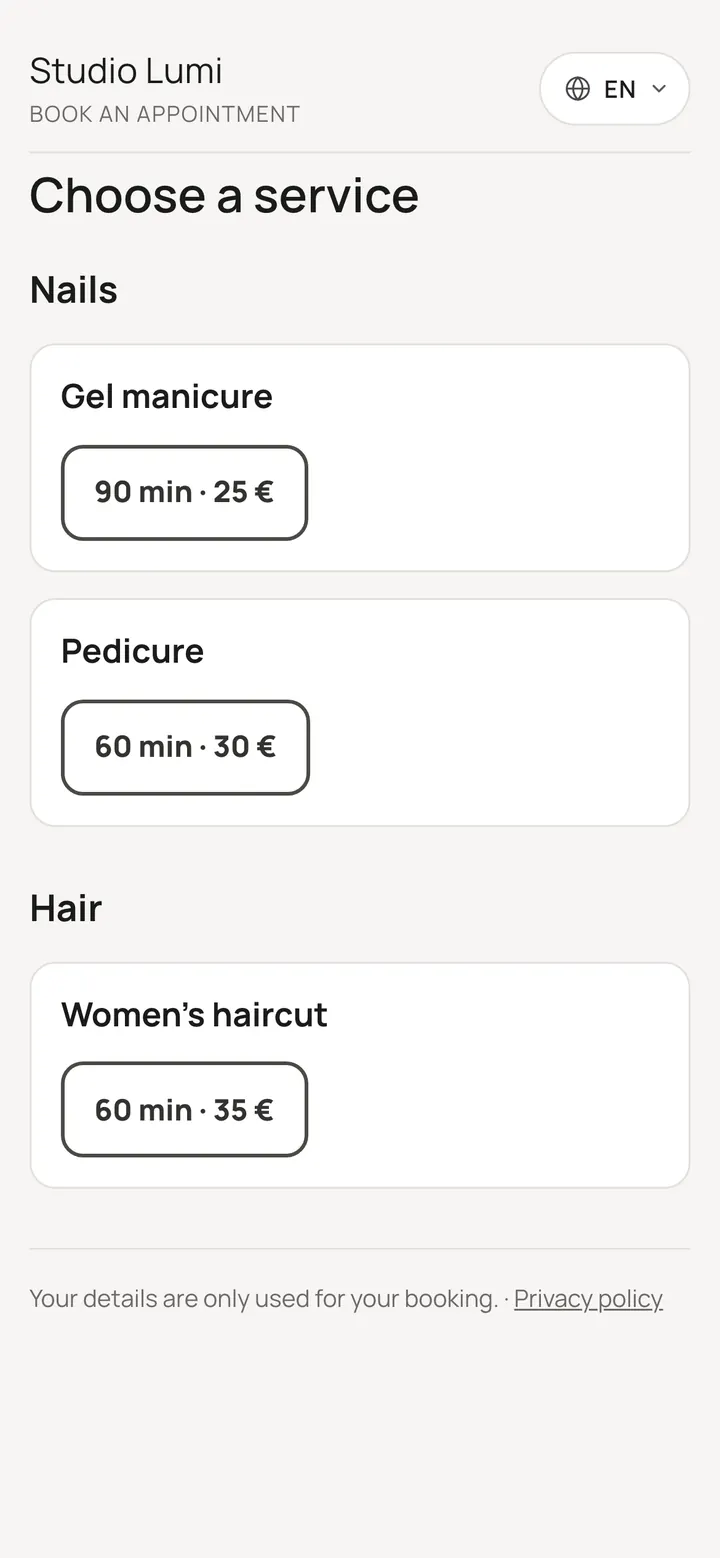
Six steps — and the client is in your schedule
Picks a service
Price and duration are shown right away.
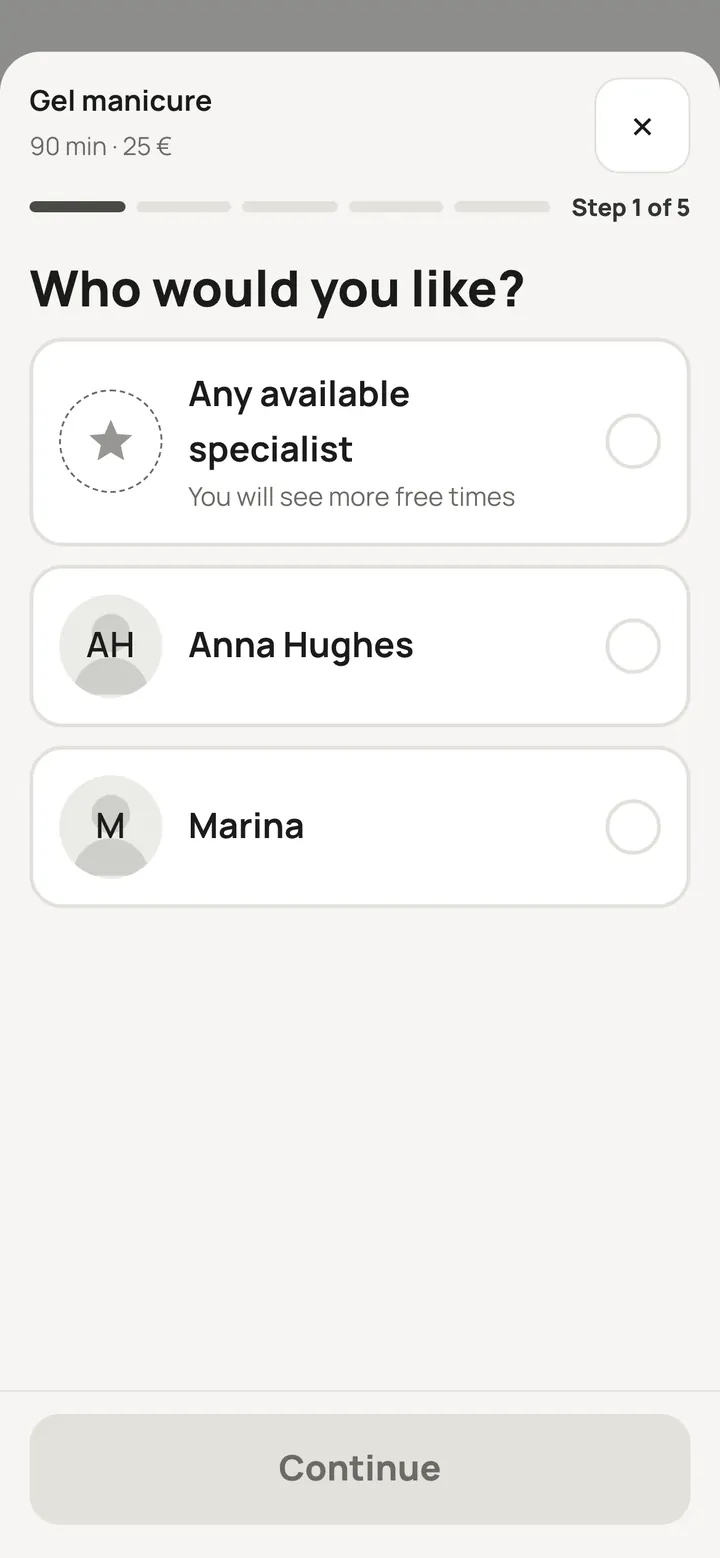
Who to book with
A specific specialist or anyone free.
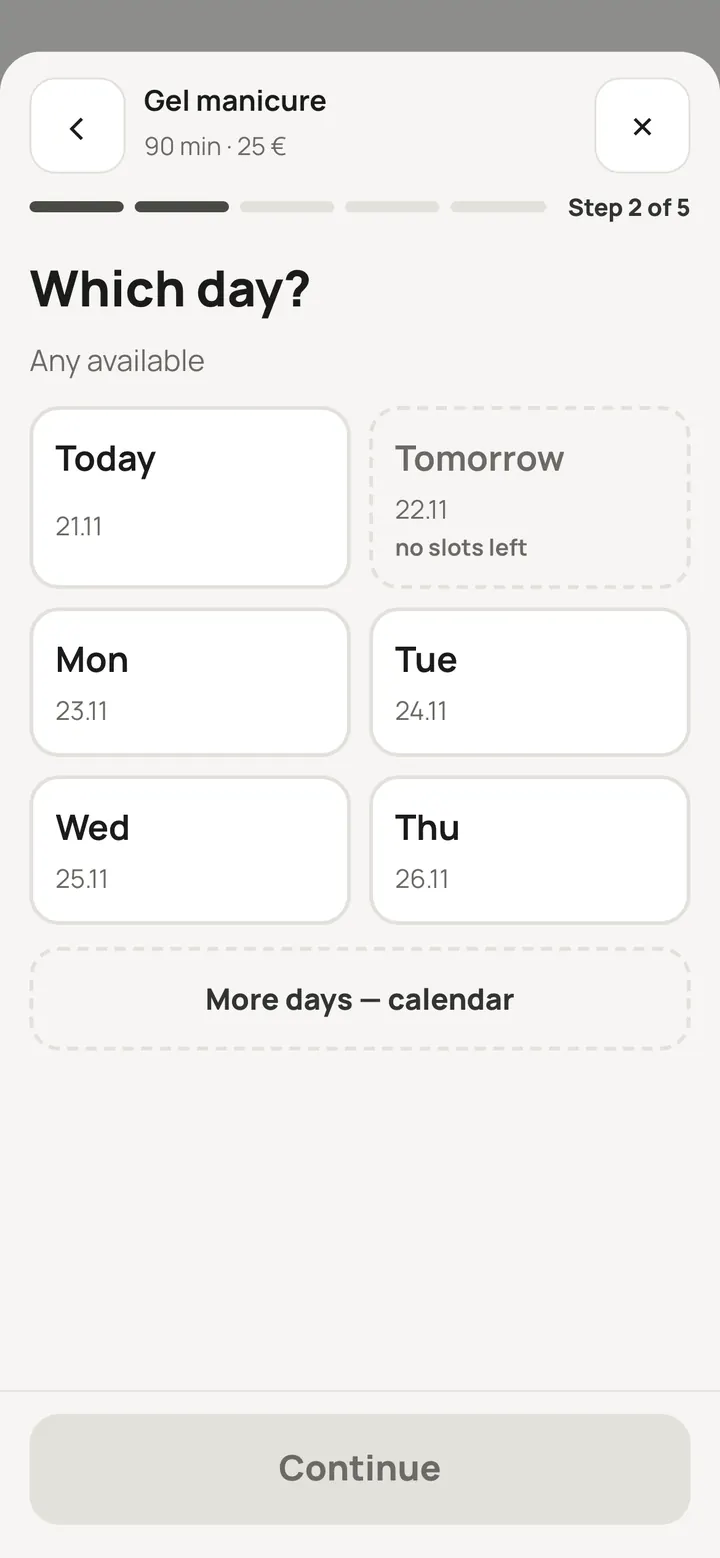
Picks a day
The next few days as tiles, then a calendar.
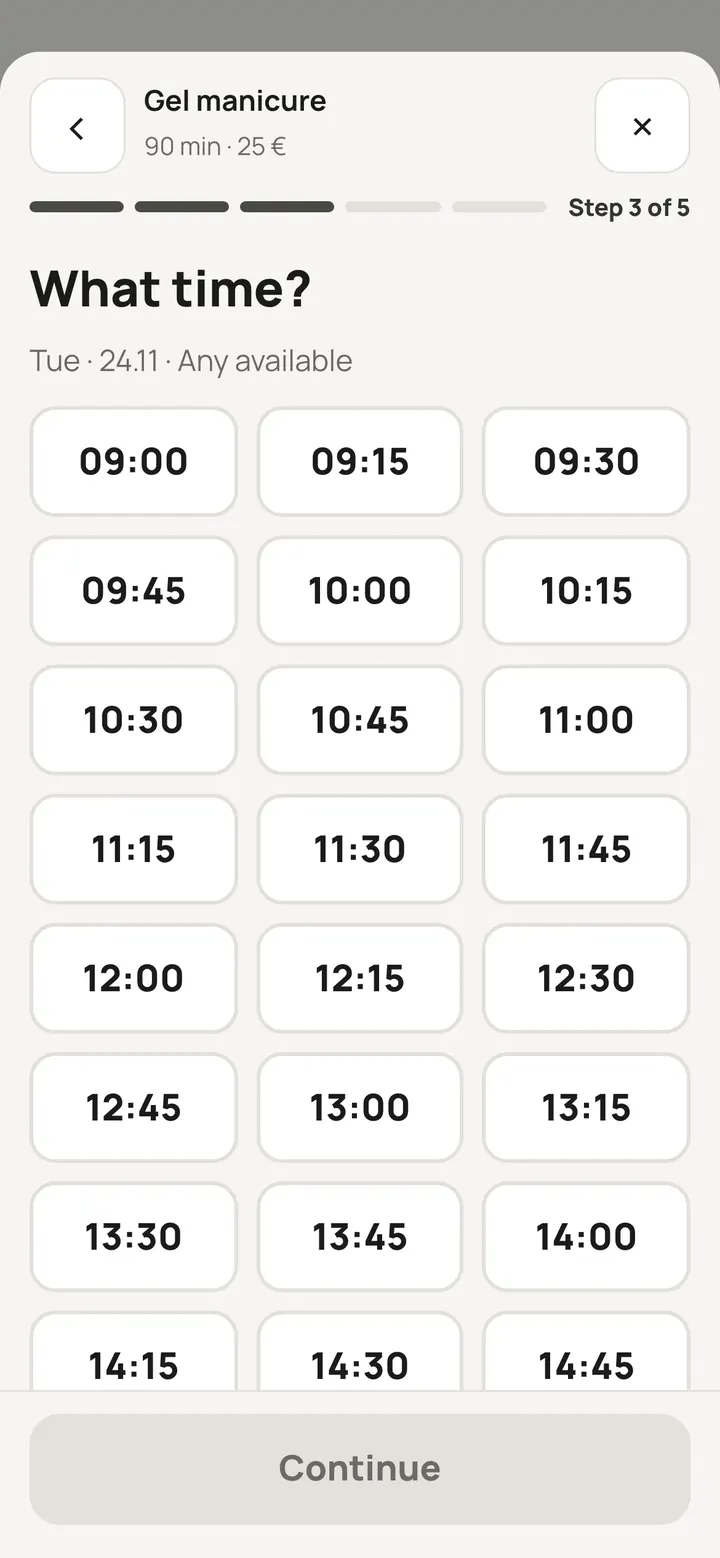
Only free times
Double bookings never happen.
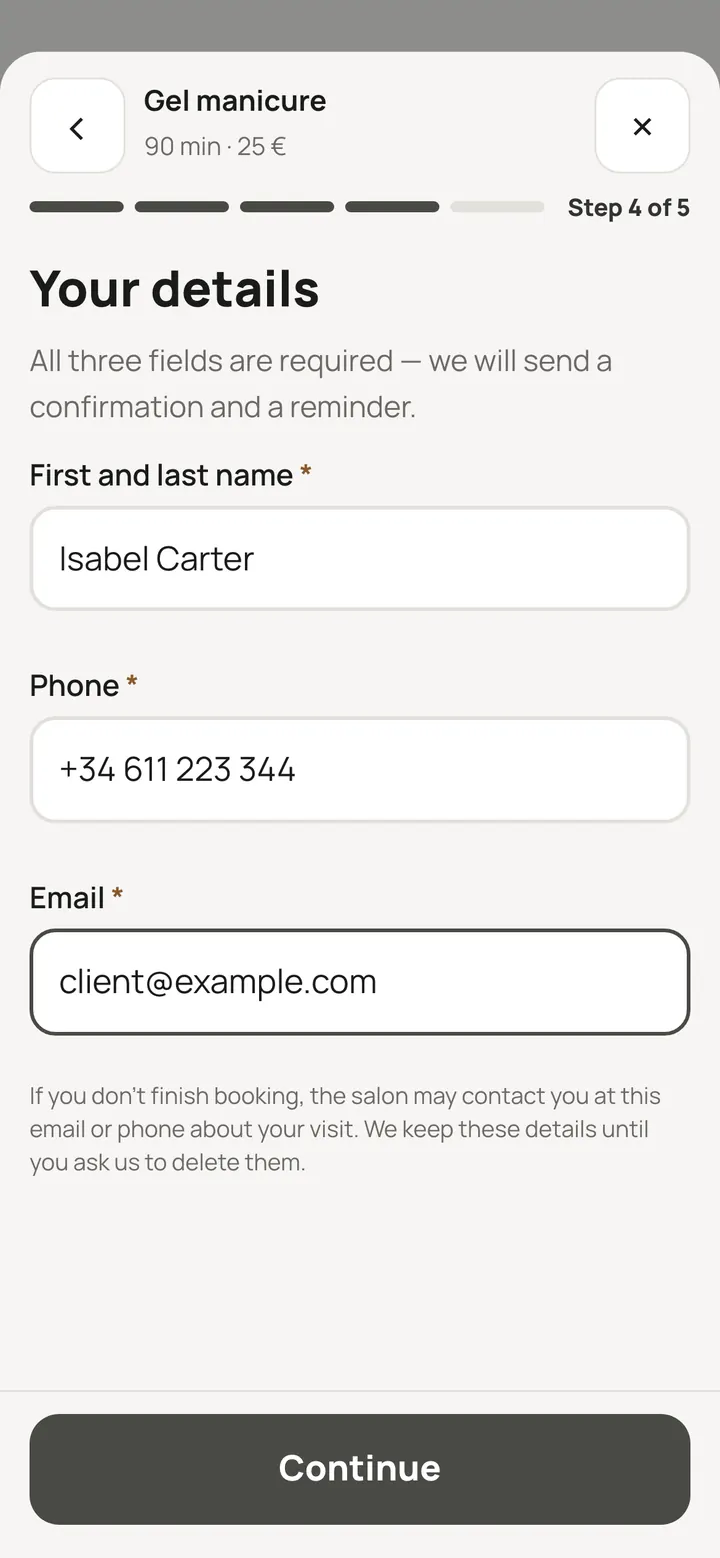
Name, phone, email
No login or password.
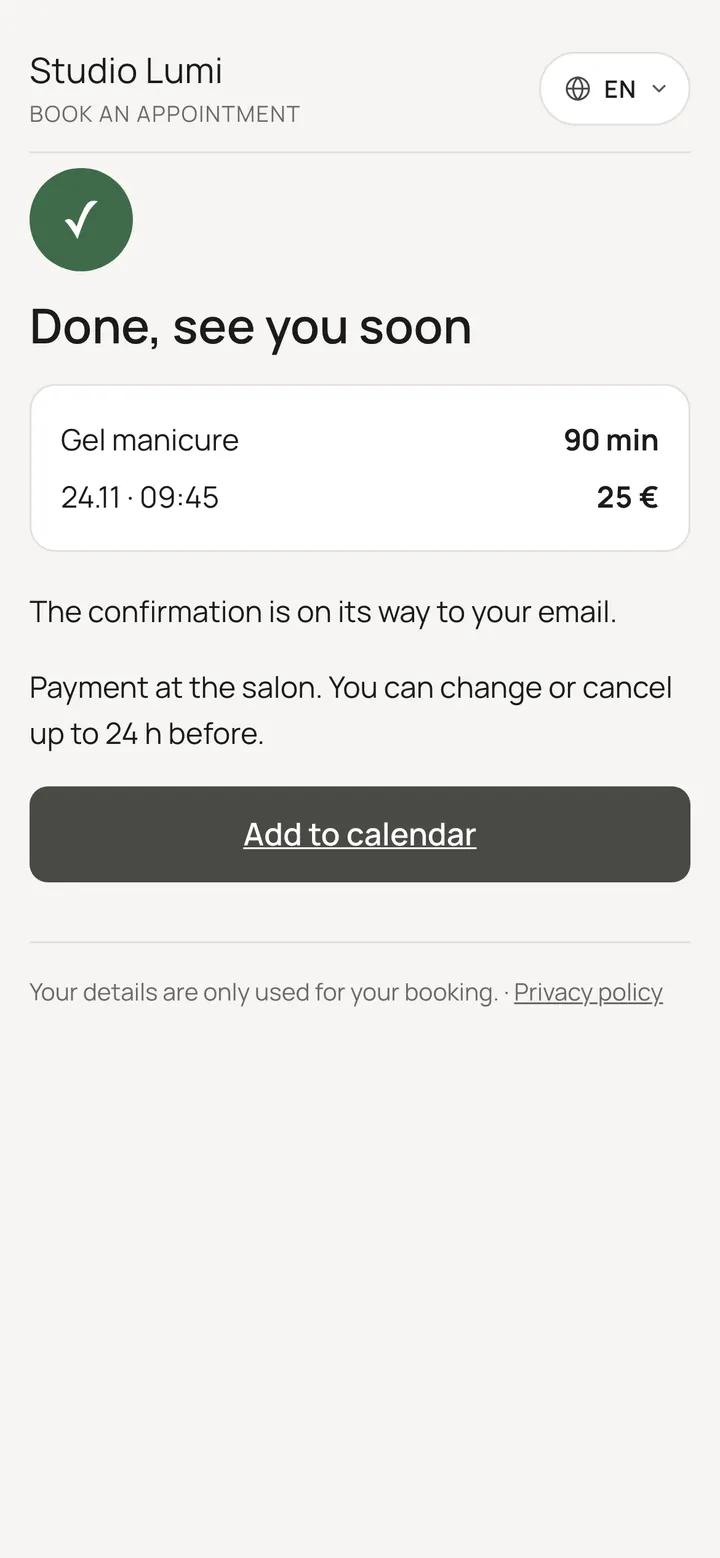
Confirmation
By email and in the app, with a reminder.
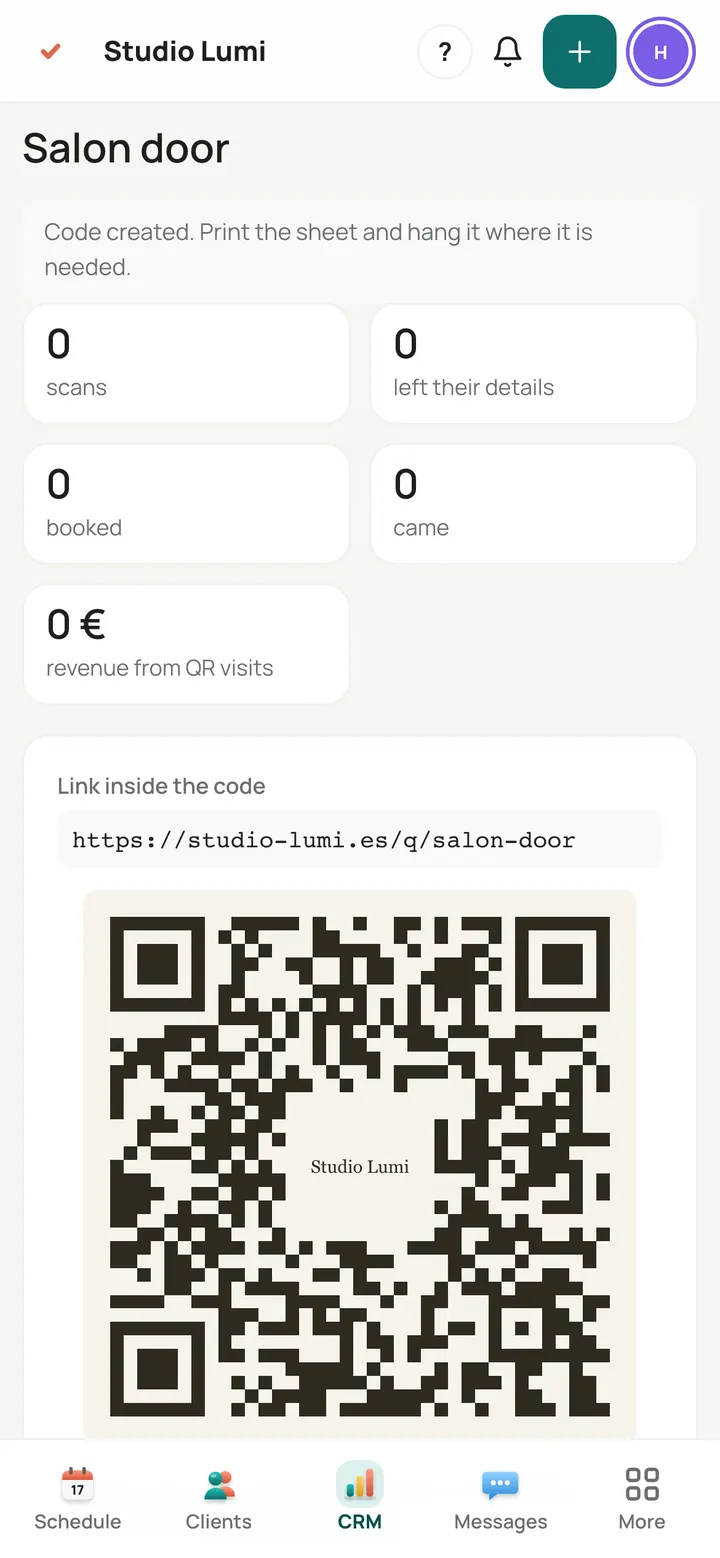
Link and QR code — anywhere you like
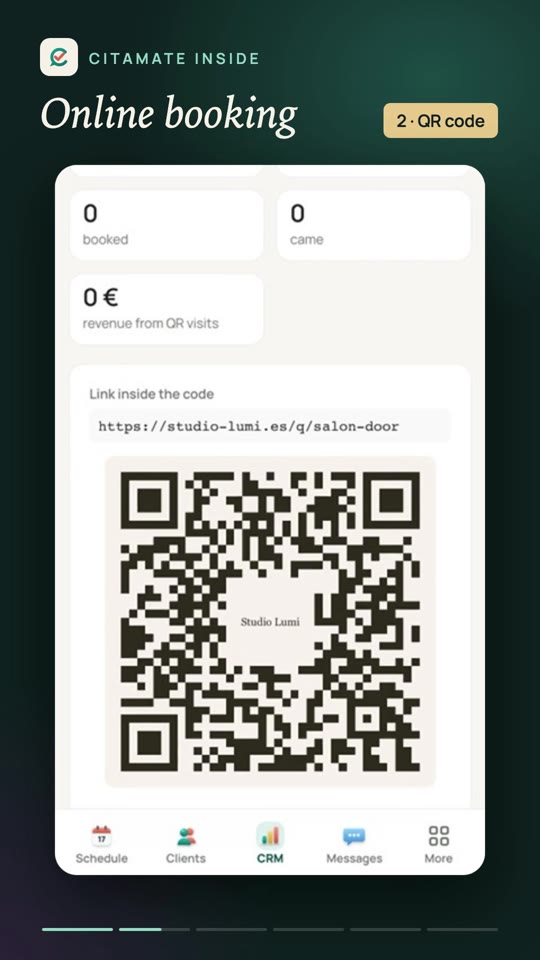
Put the link in your profile and messaging apps, and the QR code on the mirror, the desk or a business card. Citamate shows how many bookings came from each code.
- A printable QR code in a minute
- A code for each place
- A link to one service or to the whole salon
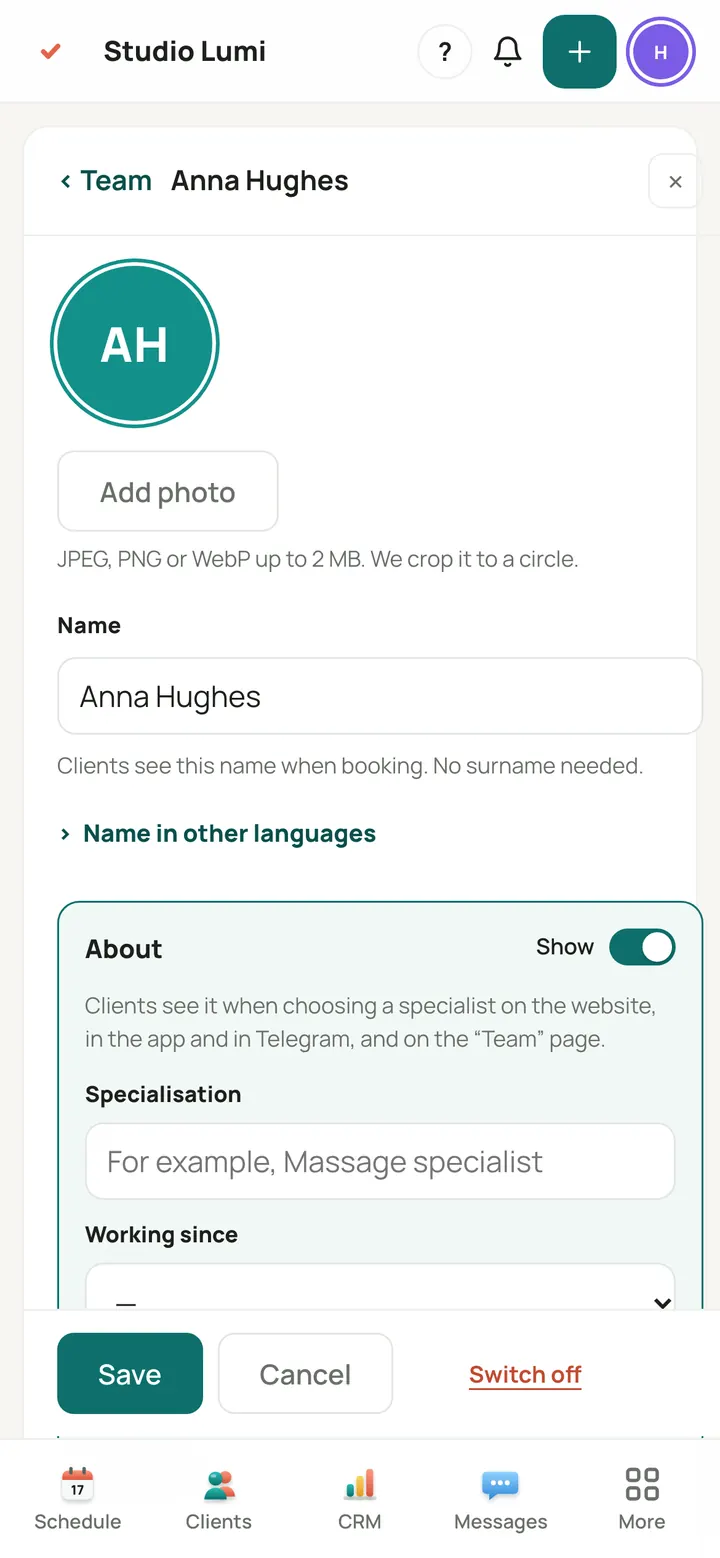
You decide what clients see
Hide a service or a specialist from online booking with one switch, and choose how far ahead clients can book.
- Turn services on and off
- Hide a specialist from online booking but keep them in the schedule
- You set how many days ahead booking is open
See what it looks like from the inside
The real Citamate screen: how a client books and what you see.
 0:46
Online booking
Citamate from the insideOnline booking in brief
What is my booking address and can I use my own domain?
The address is shown in the owner console → “Websites”. If it is not set yet, the platform issues it when a domain is connected.
Can I hide a service from the website only?
Yes. In the “Services” list each row has website and Telegram chips: press a chip to remove the service from that place only. The “On” icon switches it off for clients completely.
A client picked a time that was just taken. What happens?
The database will not allow two bookings at the same time. The client goes back to the “What time?” step with a clear message and picks another time.
What does a client see if no service is on?
A page “Online booking opens soon” with Call, WhatsApp and Write buttons, as far as the salon has a phone, WhatsApp and email set.
Your first booking — tonight
14 days free. Your booking link — right after sign-up.
Start 14 days free