Cosmetology: several before and after photos, the client sees only the ones you pick
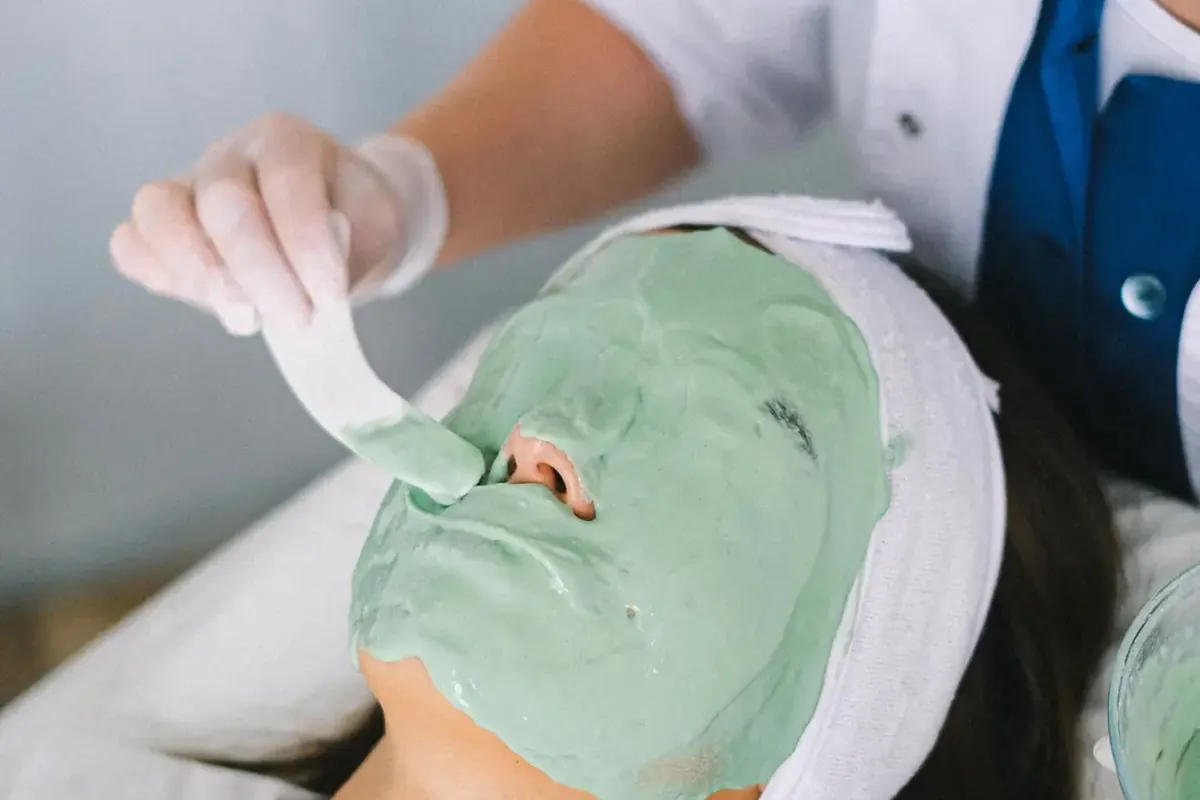
Take as many before and after photos as you need. In their account, the client sees only the ones you choose.
Where to find it in the panel: Booking → “Before / after photos”. No cosmetology in your salon yet? Owner account → “My salons” → “Settings” → “What you do” → “Cosmetology”.
A button in every booking
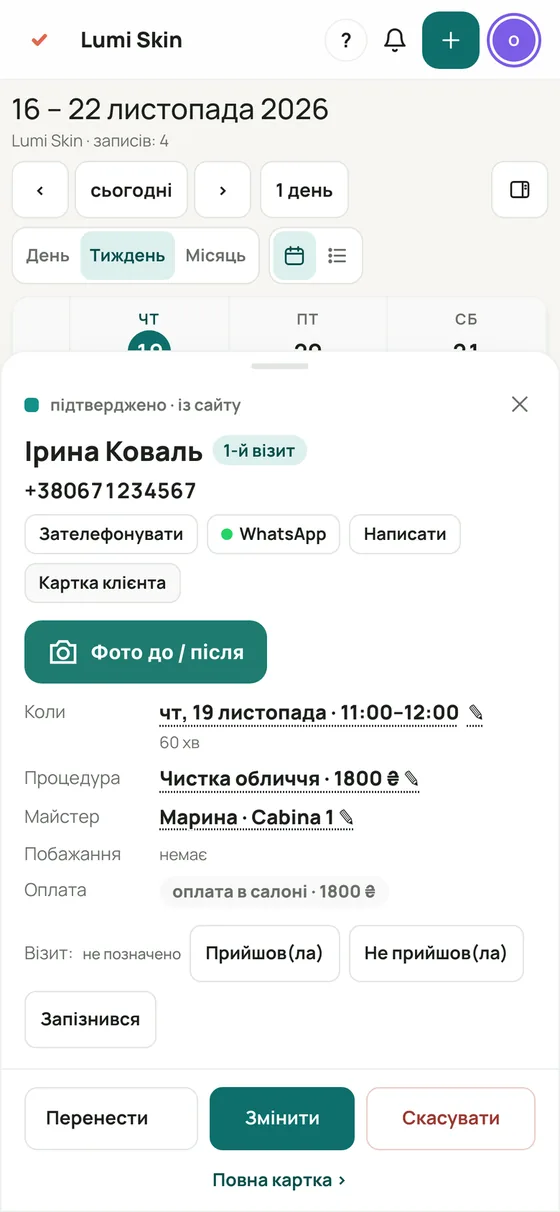
Open a booking → “Before / after photos”. The camera opens right from the booking.
As many photos as you like
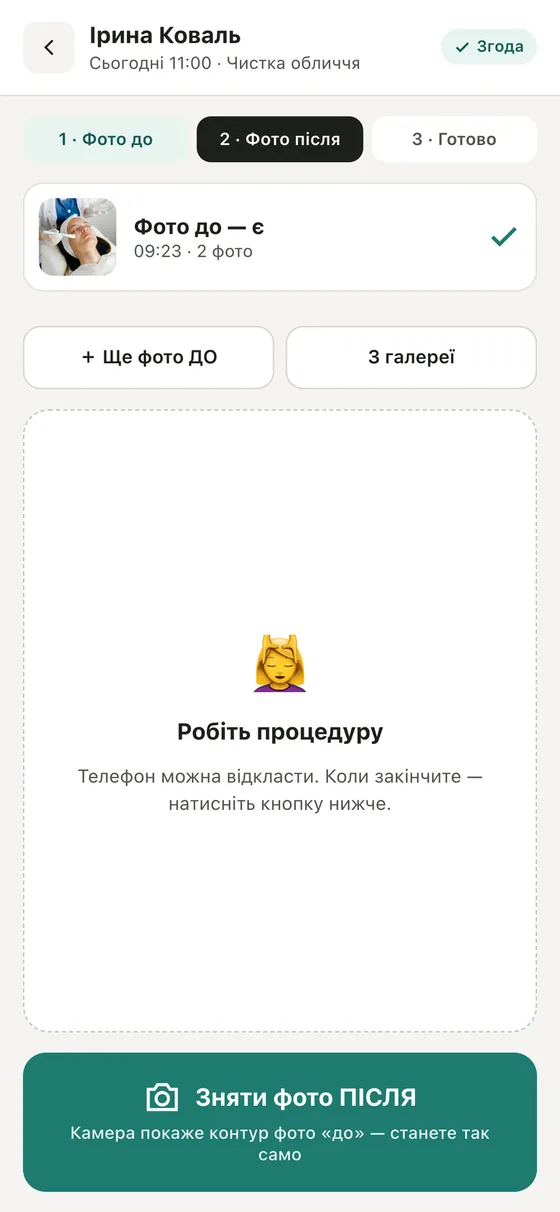
“+ More BEFORE photos”, “+ Another AFTER photo” or several at once from the gallery. Everything stays in the client card.
The client sees only what you pick
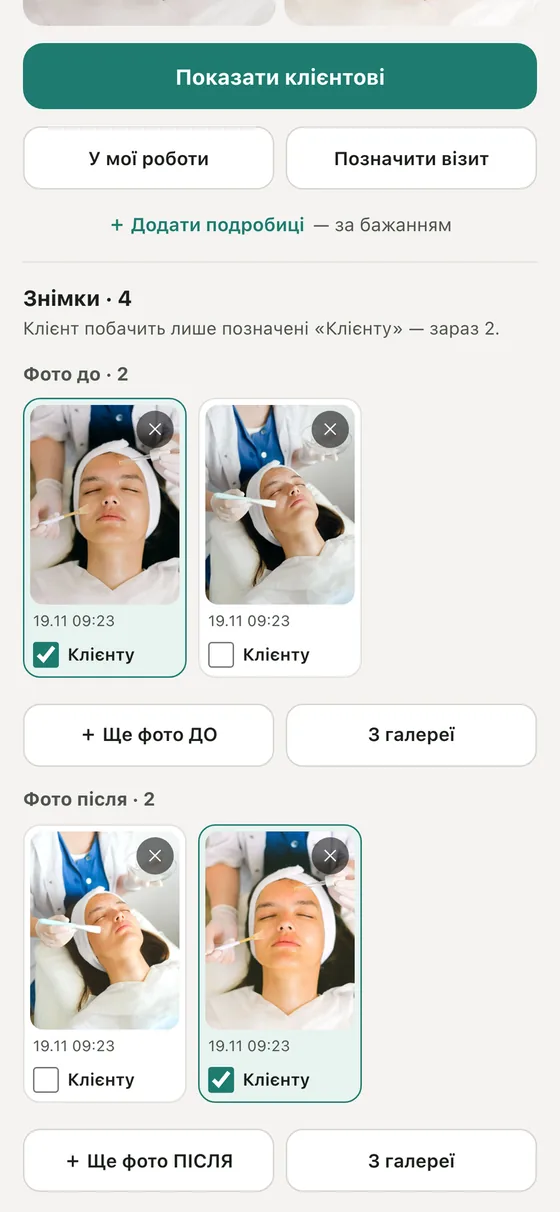
Tick “To client” on the photos you want to share. The rest are seen only by the salon.
The client sees them in their account
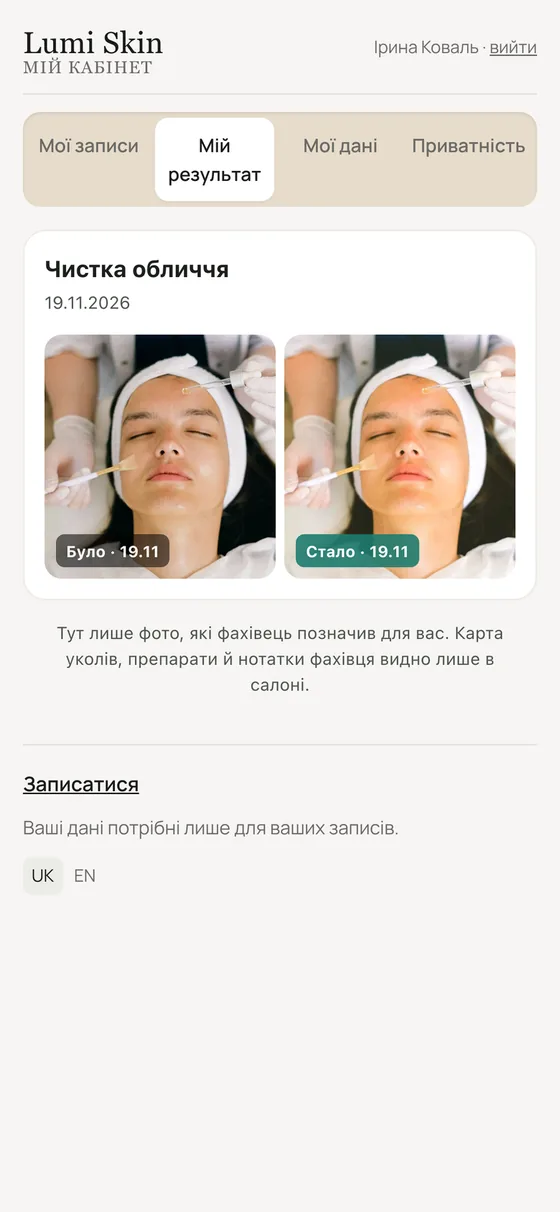
“My result” shows the chosen photos and your aftercare tips, if the client allowed it. No messages are sent; the client opens it themselves.